Topic 02 · Using downloaded art
Open an .aseprite pack — no Aseprite needed.
Packs ship as .aseprite, a .json atlas, or a PNG sheet.
All three open the same way, and nothing gets flattened.
1Open the file
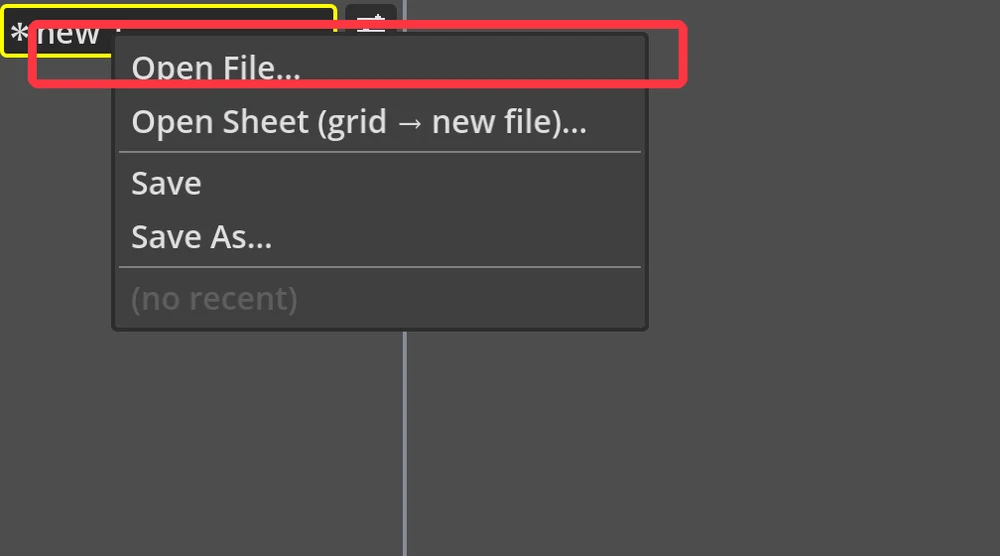
Top-left folder menu → Open File… , then pick your .aseprite,
.json atlas or .png.
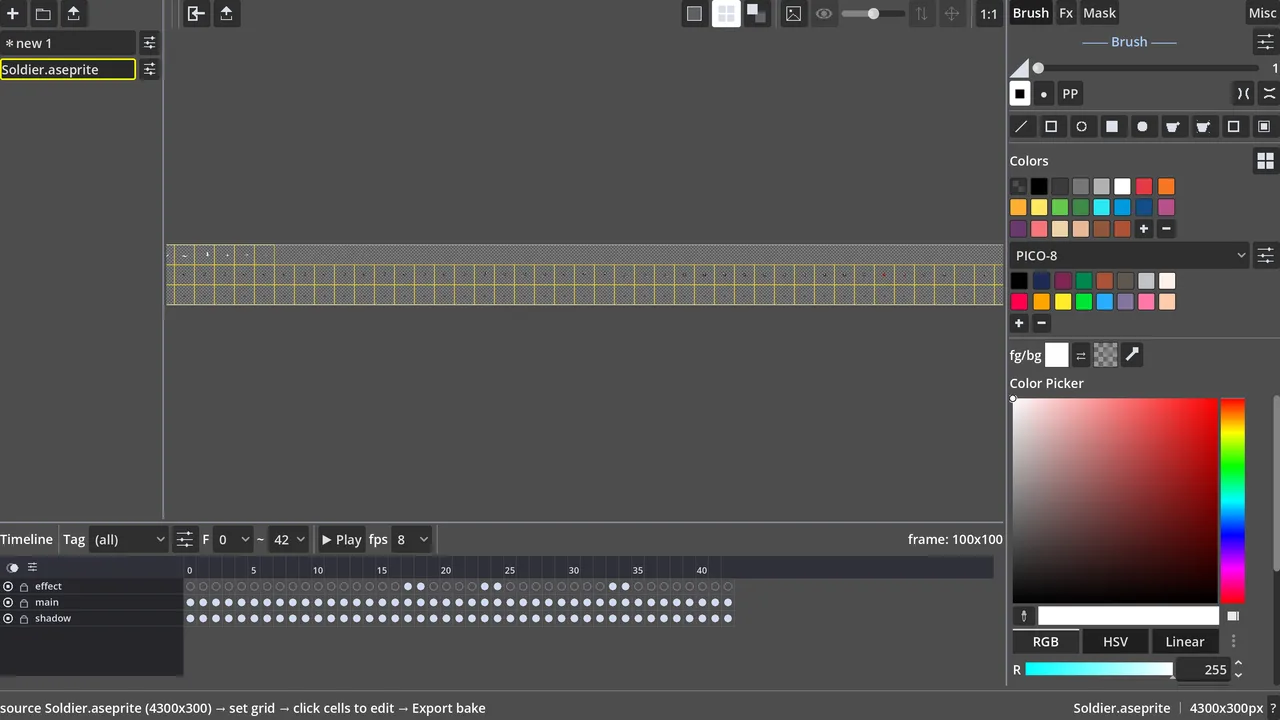
✓It's open — everything intact
Every layer, frame and tag comes through, fully editable — no Aseprite
install, nothing merged down. Here an .aseprite opened with its three layers and
all its frames on the timeline.
Round-trip
Done editing? Save As… writes back out to
.aseprite, a
.json atlas or a PNG sheet — hand it back to whatever tool the rest of the team uses.