Free · Pixel sprite editor
The pixel editor you don't need to learn.

A small, fast sprite & animation editor for people who'd rather draw than read a manual. Open it, start drawing — that's the whole tutorial.

Free · Pixel sprite editor
A small, fast sprite & animation editor for people who'd rather draw than read a manual. Open it, start drawing — that's the whole tutorial.
The story
I got tired of the manual.
Every serious pixel tool wants you to learn it first — panels everywhere, and you're twenty minutes deep just hunting for the brush. I only wanted a few sprites for my game.
So I built the tool I actually wanted: everything within reach, nothing to memorize. Turns out "noob-friendly" is a feature, not an insult.
— made by Noob Crab, while making a game
Using art you didn't draw
Half the pain of pixel art isn't the drawing — it's getting a downloaded sheet to behave. Here's what trips people up, and what NoobPixelSprite does the moment you open the file.
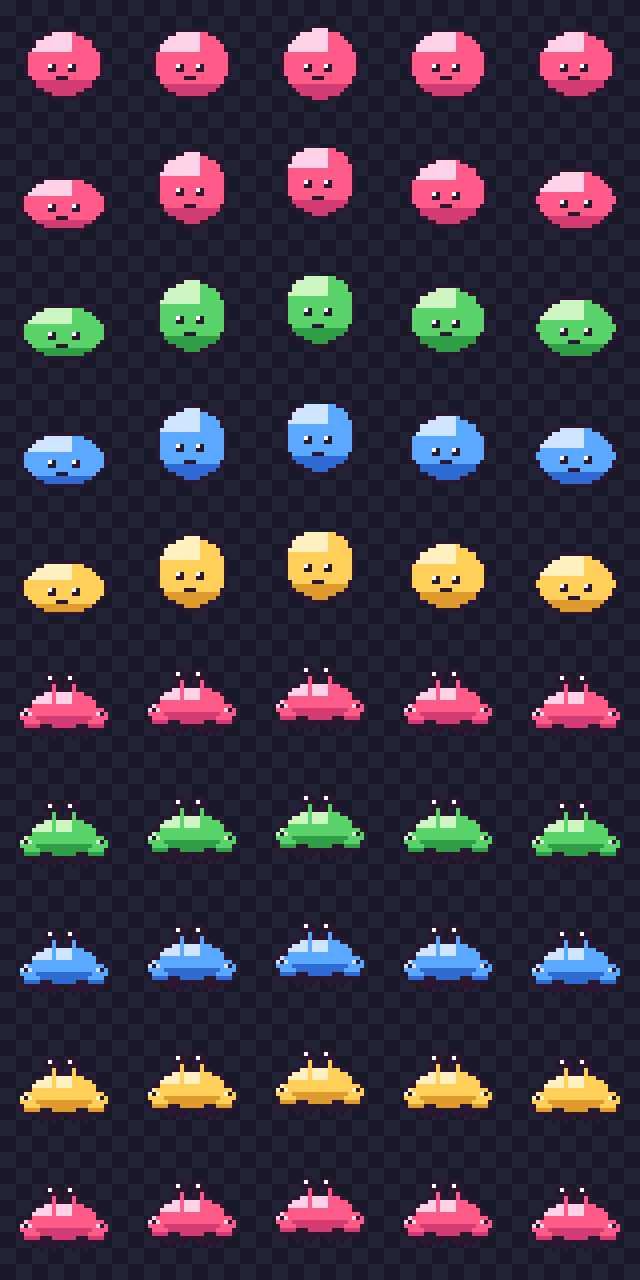
Give it one number — 32, or “5 × 10” — and Open Sheet auto-slices it into frames.
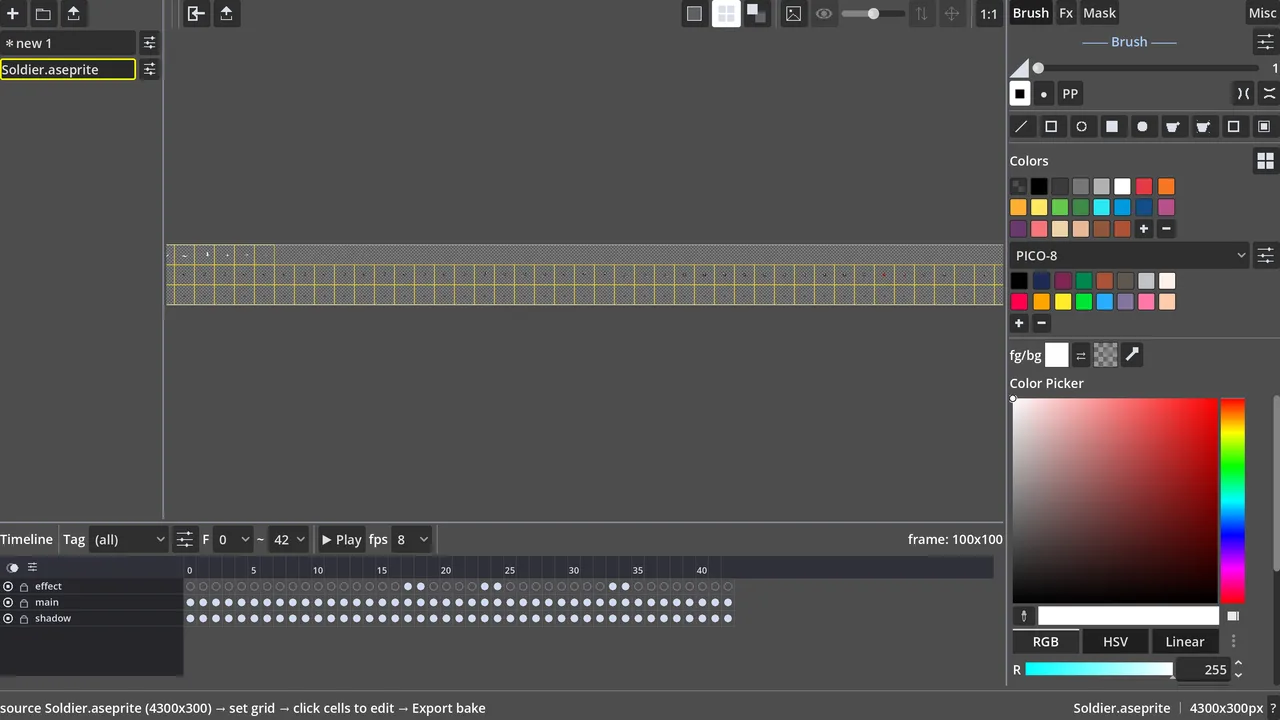
Reads & writes .aseprite, .json atlas and PNG sheets — no Aseprite install required.
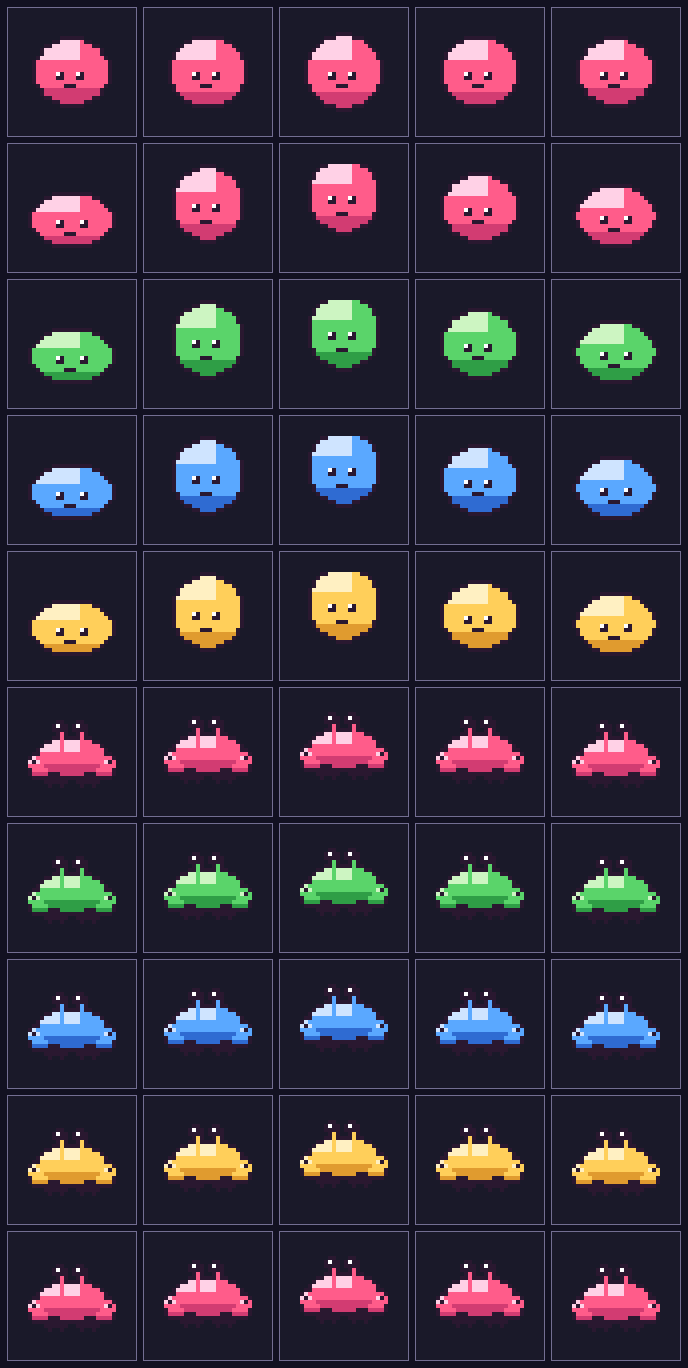
Comes back in as real layers & frames — repaint or recolour any single one.
Beginner-friendly & compatible
Import what you've got, export what your engine needs. No proprietary lock-in, no format you can't get back out of.
Read and write native Aseprite files — layers and tags survive the round-trip, so you can move between tools without losing structure.
Pack frames into a sheet, or drop in an old sheet and auto-slice it back into frames by grid. Single PNG or packed sheet — your call.
One click exports a sheet plus its metadata JSON — frame rects, tags, timing — ready to drop straight into Godot or Unity.
Export — one dialog, five layouts
| Export type | Files on disk | Use it for |
|---|---|---|
| Animation → sheet | name.png + name.json | Packed sheet + JSON atlas — Godot / Unity load & play the animation |
| Each tag → row | tags_rows.png | One sheet, each tag (row0…N) on its own row |
| Each layer → row | layers_rows.png | One sheet, each layer on its own row |
| Each layer → file | name_layerN.png | One PNG per layer (body / weapon / fx apart) |
| Each frame → file | name_frameN.png | One PNG per frame |
Full walkthrough in Guides → Export for your engine.
Draw one sprite
You never have to touch the timeline if you don't want to. Open a canvas and draw.

Make it move
Nothing new to relearn — the drawing you already know, now with frames underneath it.
Where it fits
| NoobPixelSprite | Aseprite | Piskel | |
|---|---|---|---|
| Price | Free | ~$20 | Free |
| Time to first sprite | Minutes | An afternoon | Minutes |
| Layers + animation | Yes | Yes, deep | Limited |
| Aseprite / sheet / JSON | All three | Native + export | PNG / GIF |
| Runs on desktop | Yes | Yes | Browser |
Aseprite is fantastic — if you want to learn it. NoobPixelSprite is for the days you don't.
Get it
Windows build, no account. Grab it, draw something.
Made by Noob Crab
Every sprite you'd draw here is going into our next game — the thing we're really building. Follow along so you're there the day it drops.